Claude Code Pricing: 5 Plans × 3 Scenarios — From $20 to $200/Month Explained
22,200 monthly searches for 'Claude Code pricing.' All 5 plans—Pro, Max 5x/20x, Team Premium, Enterprise, API—broken down across 3 real-world scenarios with actual monthly cost estimates.
What you'll learn in this article
- Where pricing and adoption questions around Claude Code stand right now
- Which plan or rollout stage fits the reader's situation
- Which follow-up article to open next for setup, cost, or bigger-picture context

“How much does Claude Code cost per month?”
I’ve received that question from more than 15 people in the last month. Every time, they’re stuck on the same thing.
Open the official pricing page and you’ll see the numbers: Pro $20, Max $100, Max $200, Team Premium, Enterprise, API. The numbers are there. What isn’t clear is which plan applies to you and what you’d actually pay each month. So people default to “let’s start with free” — and stop there.
I was the same. I reread the pricing table three times, still couldn’t decide, left Anthropic’s pricing page open in a browser tab for two weeks, and couldn’t move. What finally broke the paralysis was splitting my use case into three distinct scenarios.
⚠️ Pricing changes. This article reflects conditions as of late May 2026. Always verify the latest information at Anthropic’s official pricing page.
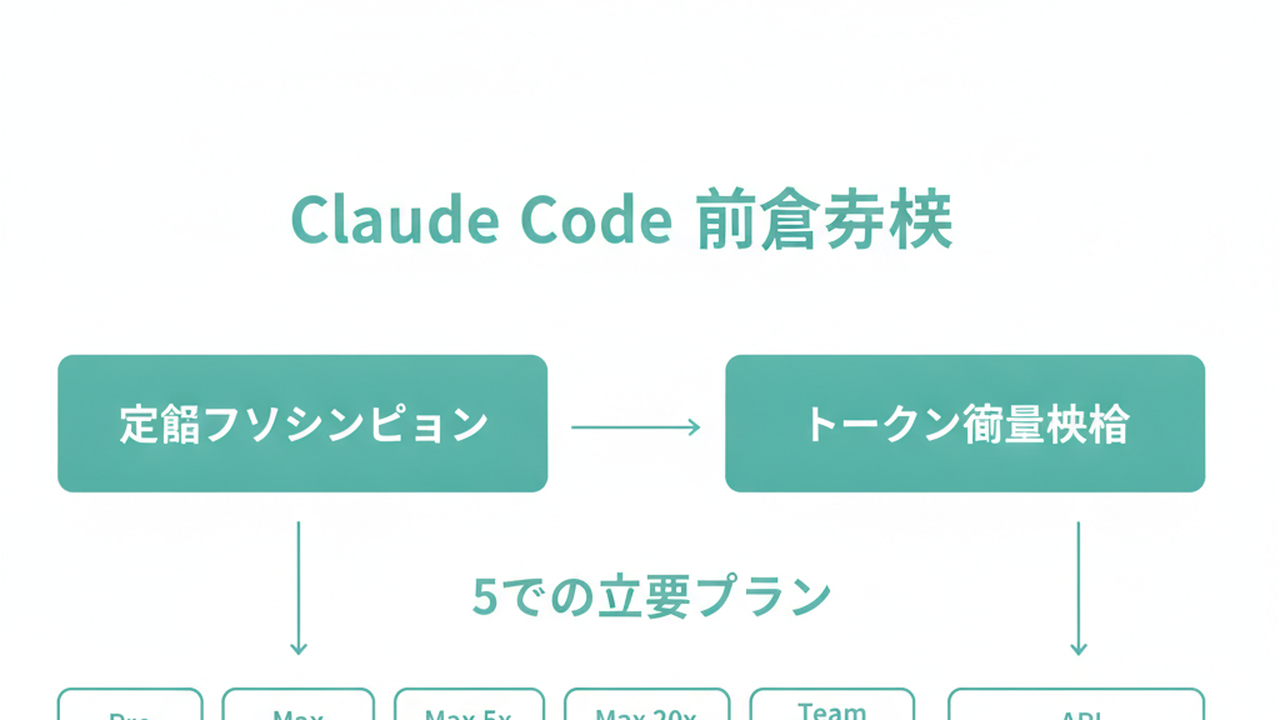
Claude Code Pricing Overview: 5 Plans, from $20 to Enterprise (as of June 2026)
The entry point for Claude Code is $20/month (Pro). For regular professional use, $100/month (Max 5x). For agents running continuously, $200/month (Max 20x). For team adoption, Team Premium at $125/person/month. Full company rollout is Enterprise with custom pricing.

| Plan | Monthly (USD) | Claude Code access | Best for |
|---|---|---|---|
| Free | $0 | ❌ Not available | Chat only |
| Pro | $20/mo | ✅ Light usage | Personal testing, weekend use |
| Max 5x | $100/mo | ✅ Moderate usage | Professional daily use |
| Max 20x | $200/mo | ✅ Heavy usage | Continuous agent operation |
| Team Premium | $125/person/mo ($100 annual) | ✅ Available | Small business teams |
| Enterprise | Custom | ✅ Available | Company-wide deployment |
Sources: Anthropic official pricing, Claude Code usage guide, Claude Code on Team and Enterprise (all verified as of late May 2026)
Three points to lock in before going further.
First: Claude Code is not available on the Free plan. Free is chat-only. “Let me try it free first” doesn’t work here — and this is where most first-time visitors get stuck.
Second: Pro at $20 gives you Claude Code, but with 5-hour rolling quotas and weekly usage caps (Anthropic official Manage costs docs). Run heavy tasks multiple times in a day and you’ll hit the ceiling fast. For “a few hours on weekends,” $20 is fine.
Third: “5x” and “20x” in the Max plans refer to approximate usage multipliers vs. Pro. Max 5x can process roughly 88,000 tokens in a 5-hour window; Max 20x around 220,000 (varies by conditions). The dividing question between them: “Do I need agents running for most of the day?”
API access via Anthropic Console is separate — token-based consumption billing, not a monthly subscription. Current rates as of late May 2026: Sonnet 4.6 at $3 input / $15 output, Opus 4.7 at $5 input / $25 output, Haiku 4.5 at $1 input / $5 output (per million tokens).
The rest of this article maps these plans onto three scenarios with concrete monthly estimates.
Why “How Much Does Claude Code Cost?” Can’t Be Answered in One Line
The table gives you the framework. But there are three structural reasons you still can’t instantly answer “what will I pay?”
Reason 1: There are two different billing systems. Pro, Max, Team Premium, and Enterprise are flat monthly subscriptions. API usage through Anthropic Console is token-based consumption billing. Same Claude Code, completely different invoice logic.
Reason 2: Actual cost within a plan depends on usage patterns. Subscriptions have 5-hour rolling quotas and weekly total caps built in. Someone using Claude Code 8 hours/month as a hobby has a completely different experience from someone running it 160 hours/month for work — even on the same Max 5x plan.
Reason 3: For users outside the US, exchange rates move. As of late May 2026, the USD/JPY rate is around 150 — but analysts point to possible movement in both directions. A $100/month plan can feel like anywhere from $90–$110 equivalent depending on when you’re billed.
Put those three together and the honest answer to “how much is Claude Code?” becomes “it depends on your use case.” That’s not a cop-out — it means that once you match your use case to one of three patterns, you can get an immediate answer. Let’s do that now.
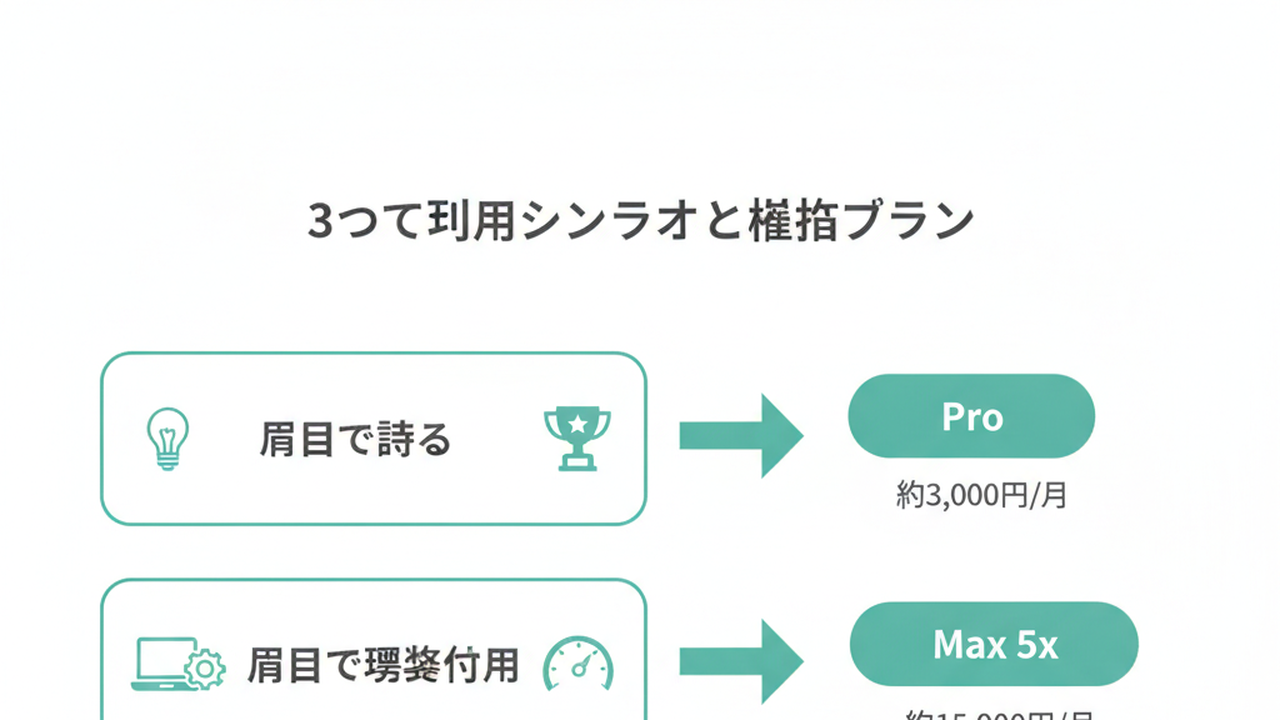
Scenario 1: Personal Use — Where the Line Is Between Pro $20 and Max 5x $100
The most common question I get: “I want to try this personally. What’s the minimum?”
Below 10 hours/month on weekends: Pro $20 is enough. Daily professional use, 40+ hours/month: go straight to Max 5x $100. You’ll save money and frustration.
The 3 Conditions Where Pro $20 Is Sufficient
Condition 1: You use Claude Code in 1–2 sessions per day or fewer.
Condition 2: Most sessions are under 20 minutes (partial code edits, short refactors, adding functions).
Condition 3: “Waiting a few hours when the quota resets” is acceptable to you.
If all three fit, there’s no point upgrading to Max 5x. The 5-hour quota on Pro resets while you’re getting coffee. Your cost stays at $20/month. Hobby programmers, side-project engineers, and people who use Claude Code occasionally during work hours all fall into this zone.
3 Signs It’s Time to Move to Max 5x
Conversely, here are the three signals that you should upgrade:
Signal 1: You’re finding yourself using Claude Code 3+ times per workday.
Signal 2: Sessions increasingly involve working across 10+ files simultaneously.
Signal 3: Quota cutoffs are actively interrupting your work flow.
Once you’re hitting these, upgrade to Max 5x. Its 5-hour window handles roughly 88,000 tokens — about 5× Pro’s capacity — and includes access to Opus 4.7 for complex design and architecture work.
Community reports describe running 1 billion tokens/month on Max 5x $100, with API-equivalent costs of several thousand dollars being handled for $100/month. The moment you move into professional use, the flat Max subscription becomes overwhelmingly cost-effective.
Max 20x $200 Is the Signal for “Always-On” Operation
Max 20x is for one scenario: you want Claude Code running continuously as an agent on your machine. Multiple parallel terminals, overnight automated fixes, 24-hour log monitoring. If you’re regularly hitting Max 5x limits, or if high-priority processes are getting delayed by rate limits, the upgrade is worth it.
If you’re upgrading “just to be safe” — skip it. Doubling the cost for unused headroom isn’t optimization.
In my experience, 80% of people who can’t get started on the personal path are stuck because they’re looking at Max 20x first and deciding $200/month is too much. Start with Pro $20. Upgrade to Max 5x when needed. Two steps is enough.
For what to actually do in the first 30 minutes after install, see Getting Started with Claude Code: A 3-Step First-Day Guide.
Scenario 2: Business Proof of Concept — Team Premium vs. API Console
The second common scenario: “We want 3–10 people running a 1–2 month PoC. What do we use?”
Two options: Team Premium ($125/person/month) or API Console (token-based). Here’s how to pick.
When Team Premium Is the Right Choice
If you’re deploying to 5–20 people with an intent to give everyone equal access, Team Premium is the clear answer.
Three reasons:
- Predictable per-person costs make monthly budgeting straightforward
- Admin console with usage logs and cost analysis (official Team and Enterprise announcement)
- SSO and audit logging included — satisfies most enterprise security requirements out of the box
Start at 5 people × $125 = $625/month. Annual billing brings it to $100/person/month equivalent.
When API Console Is the Right Choice
API Console is better when 1–3 specific people need to run heavy, concentrated workloads for a PoC.
Example: one person running 1 million tokens/month on Sonnet 4.6 at a 50/50 input-output split costs roughly $9/month. Three people: about $27/month. Dramatically cheaper than Max $100 — though without a ceiling, budget management requires more attention.
The key PoC technique for API Console: use Anthropic’s prompt caching and Batch API from day one. Caching provides up to 90% discount; Batch API provides 50% discount (official pricing page). For workloads with long system prompts sent repeatedly, this alone cuts actual costs by 30–50%.
The Recommended Sequence for Business PoC
This is the order I always recommend:
Phase 1 (Weeks 1–2): 2–3 key team members use API Console to validate “what can Claude Code actually do for our workflows?” Budget: $30–$100/month (author estimate).
Phase 2 (Weeks 3–6): If the Phase 1 validation shows clear value, expand to Team Premium for 5–10 people. Budget: $625–$1,250/month.
Phase 3 (Week 7+): Based on PoC results, decide: continue Team, consider Enterprise, or wind down.
This sequence avoids the common failure of signing up for 20 Team Premium seats and discovering only 3 people use it. The most expensive mistake in enterprise AI adoption is buying seats before you know who will actually use the tool.
For context on the enterprise support ecosystem, see The Day Claude Code Enterprise Adoption Became a Product. That becomes relevant in the post-PoC rollout phase. The pricing decision itself you can make internally.
Scenario 3: Full Deployment — Enterprise vs. API at Scale
The third scenario: PoC is complete, and you’re moving to production.
Two options: Enterprise plan (per-seat flat rate) or API at scale via Anthropic Console (consumption plus volume discounts).
When Enterprise Is the Right Choice
Enterprise is designed for deploying Claude Code to hundreds or tens of thousands of employees across an organization. NEC’s company-wide rollout (Anthropic official announcement) and AR Advanced Technology’s deployment to all engineers and consultants operate at this tier.
Enterprise pricing is not published. It’s a custom quote based on seat count, usage volume, and feature requirements like SSO and SCIM.
The three criteria that point to Enterprise:
- More than 50 users
- Audit logs, SSO, and data handling controls are requirements
- You need SLA-backed vendor support
Start at Anthropic’s Enterprise contact form.
When API at Scale Is the Right Choice
API at scale is for embedding Claude Code into internal tools or agents — integrating a code review agent into CI/CD pipelines, adding coding assistance to an internal bot, and similar use cases.
Base rate: Sonnet 4.6 at $3 input / $15 output per million tokens. At 1 billion tokens/month scale, volume discount negotiations are reportedly possible. Standard budget planning assumes a 30–50% cost reduction through prompt caching and Batch API combination.
A concrete estimate for a 100-engineer organization running 1M tokens/day × 100 people = 300M tokens/month: at 50/50 input-output, roughly $3,000/month (~$450K JPY equivalent). With cache optimization, $1,500–$2,000/month is the range I’ve seen in production deployments (conditions vary; author estimate).
3 Core Cost Optimization Moves for Production
I’ve seen production deployments where costs hit 2× budget within 1–3 months of launch. Common causes and fixes:
Move 1: Stop using Opus for everything. Opus 4.7 costs ~1.7× Sonnet 4.6 on both input and output. Default rule: Sonnet for everyday tasks, Opus only when needed, Haiku for lightweight classification.
Move 2: Enable prompt caching. Sending long system prompts and full codebases on every request compounds input token costs fast. Designing for up to 90% cache discount is standard practice (Anthropic Manage costs docs).
Move 3: Route batch workloads to Batch API. Overnight processing, bulk classification, and report generation don’t need real-time responses — Batch API (50% discount) handles them fine.
Building all three into your operational design from day one keeps costs inside projections from the first month.
30-Second Decision Flow: Stop Guessing, Pick Your Plan
Five plans mapped. Use this decision flow to find yours.

Question 1: Who is using this?
- Just me → go to Question 2
- 3–10 people at work → go to Question 3
- Company-wide (hundreds+) → go to Question 4
Question 2: How often will you use Claude Code per week?
- Weekends / under 10 hours/month → Pro $20/month
- Daily during work hours / 40+ hours/month → Max 5x $100/month directly
- Continuous operation / multiple parallel processes → Max 20x $200/month
Question 3: Distribute to everyone equally, or concentrate on a few people?
- Distribute equally → Team Premium $125/person/month for the seats you need
- 1–3 people running intensive tests → API Console (Sonnet 4.6, ~$30–$100/month estimate)
Question 4: Do you have compliance and control requirements?
- Need SSO, audit logs, SLA → Contact Enterprise
- Embedding in internal tools and agents → API at scale (negotiate volume pricing)
The key principle here: don’t start with the most expensive plan. Start with Pro, upgrade to Max when needed. Run an API Console PoC, then expand to Team Premium. Advance to Enterprise when justified. Going step by step, a few tens of dollars of trial-and-error finds your right answer.
The failure pattern I see most often is either “signed up for Max 20x, cancelled after two weeks” or “contracted 20 Team Premium seats, half went unused” (author observation). Pricing opacity causes people to either over-commit or avoid starting entirely. The minimum viable entry — and stepping up deliberately — produces the lowest total cost.
Summary: 3 Actions for This Week
Claude Code pricing isn’t unreadable — it’s instantly answerable once you match your situation to one of three scenarios. Three actions to take this week:
Action 1 (30 minutes today): Open Anthropic’s official pricing page, run the decision flow above, and commit to one entry plan. Not Free.
Action 2 (this week): If you’re an individual, sign up and actually use it for a week. If you’re a business, identify 2–3 PoC team members and create an API Console account (5 minutes with a Google or Microsoft account that has admin rights).
Action 3 (put a calendar reminder for 1 month from now): Set a specific date to review usage logs and decide: upgrade, stay, or switch plans. Pre-scheduling the review is the single highest-leverage move in cost optimization.
“I can’t figure out the pricing, so I can’t start” is the biggest barrier to trying Claude Code. If this article clears that barrier, that’s enough.
Pricing changes. Always verify current information at Anthropic’s official pricing page and Claude Code cost management docs.
For what to do in your first 30 minutes after picking a plan, see Getting Started with Claude Code: A 3-Step First-Day Guide. For enterprise rollout design after plan selection, see Claude Code Enterprise Deployment: The First 30-Day Playbook.
Sources

AIを使いこなせない方は、この先どんどん差がつきます。僕はAIエージェントを毎日動かして、壊して、直して、また動かしてます。そういう泥臭い実践の記録をここに書いてます。理論は他の方にお任せしました。僕は動くものを作ります。朝5時に起きてウォーキングしてからコードを書くのがルーティンです。


